 VINtoRegCheck
Before you begin
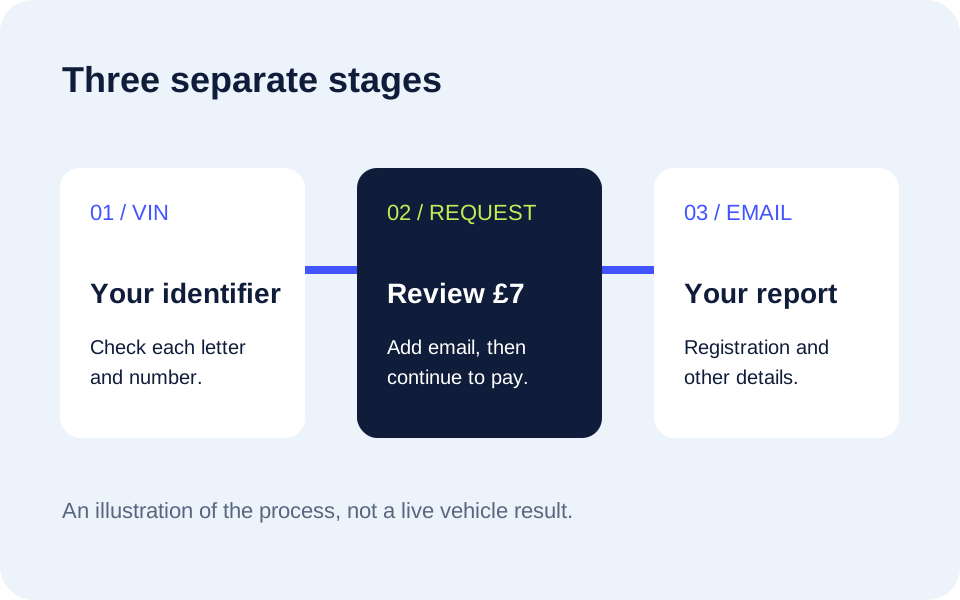
Use the full VIN from the vehicle or paperwork you are entitled to use. For most modern cars this is a 17-character identifier. Check the whole entry, especially any character that is difficult to read. Do not substitute an engine number or a reference from an invoice.
If you have an older vehicle with a shorter chassis number, ask us about it before paying. The same applies if the vehicle has never been registered in the UK or its registration status is uncertain. A VIN can identify a vehicle without there being a current UK plate to report.
Step 1: Enter the VIN and press Find
The form checks the shape of the entry. It does not decode the VIN, display vehicle specifications or reveal a registration. Find takes you to the next step so you can request a report.
Step 2: Add the report email address
The popup shows the £7 GBP price and asks where to send the report. Review your VIN and email address before choosing Continue to pay £7. Read the pricing information and terms if you have a question about what you are buying.
You are requesting a report, not changing a vehicle registration. This service does not replace the registration certificate or any procedure you need to complete through GOV.UK.
Step 3: Send your report request
Choose Continue to pay £7 to send your report request. Your report will be prepared and sent to your email address. It contains the registration number and other vehicle details. It does not appear as an instant plate result in the VIN form. Contact us if you need to discuss delivery before ordering.
Step 4: Compare before relying on it
Read the report alongside your existing records. If the car has recently had an administrative change, explain that when asking about a discrepancy. Do not replace a known reference in your paperwork merely because two records differ. Your insurer, supplier or fleet administrator can tell you what evidence they require.
Use the registration from VIN guide for the wider options, or contact us if you are unsure whether this service fits your vehicle.
Questions about this page
What is checked before the popup opens?
The entry is checked for a VIN-like format only. It is not decoded and no vehicle details are returned on Find.
Do I need to stay on the website for the report?
The report is delivered by email. Keep any request confirmation available in case you need to contact support.